Lovegobuy Spreadsheet: choose a listing, keep the details
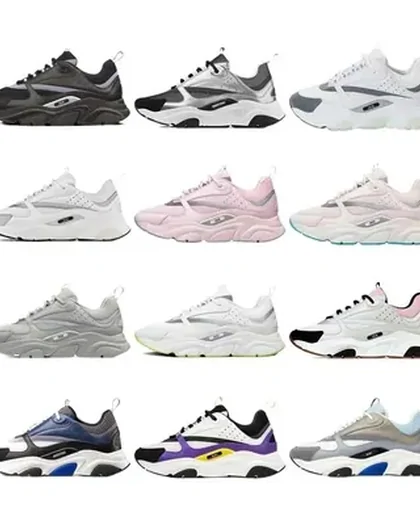
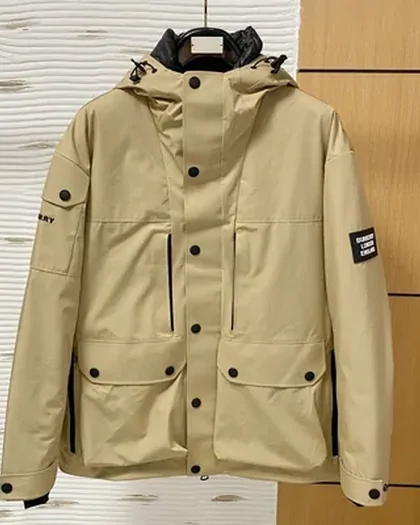
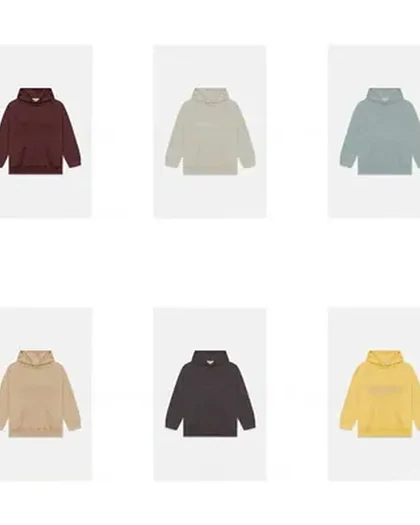
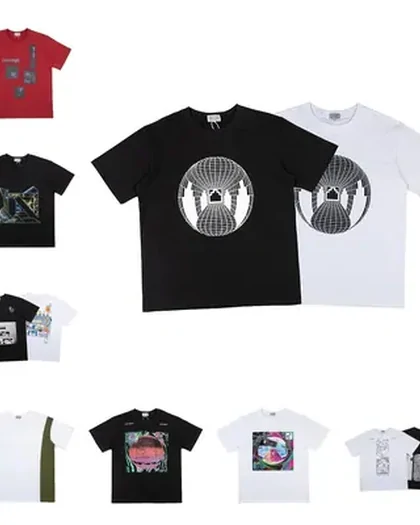
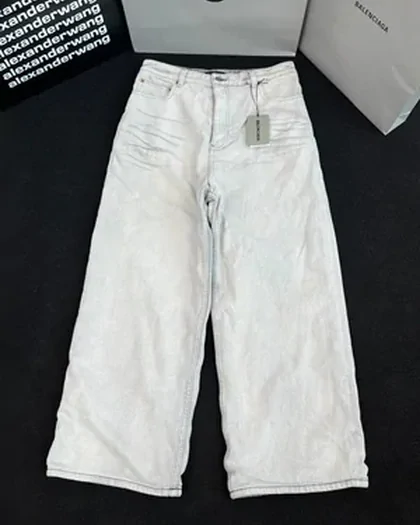
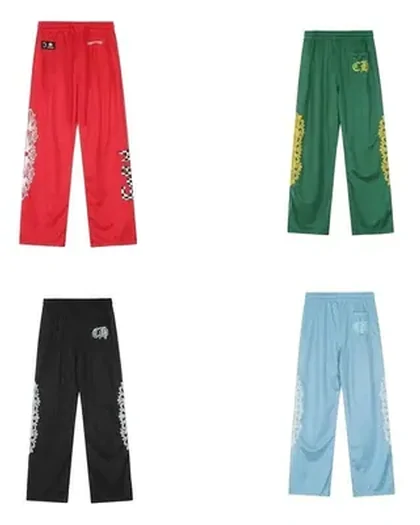
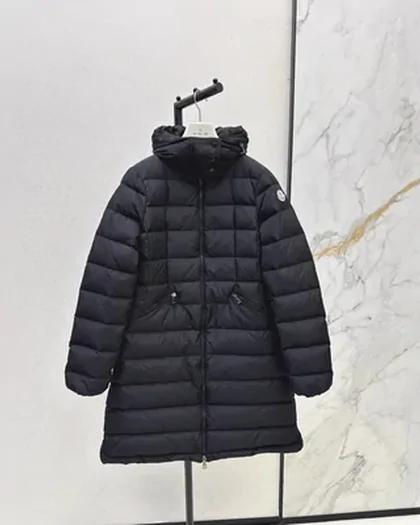
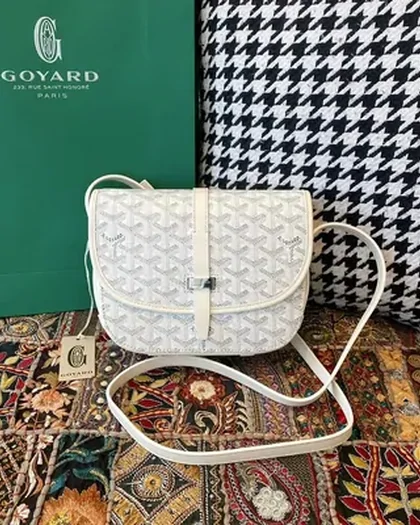
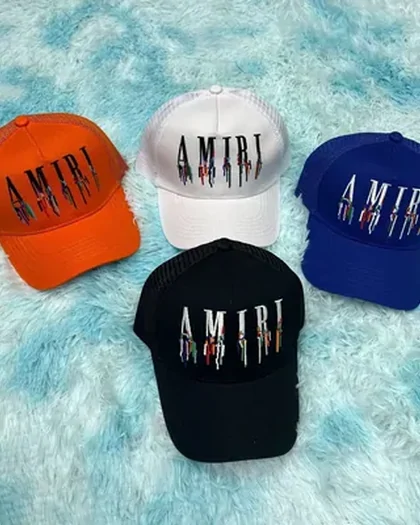
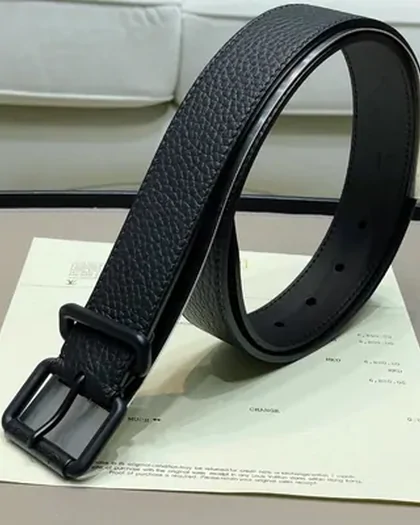
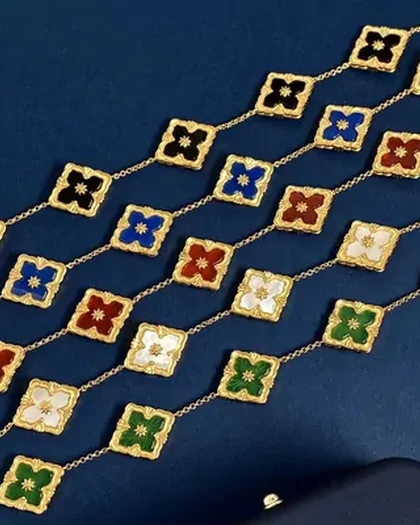
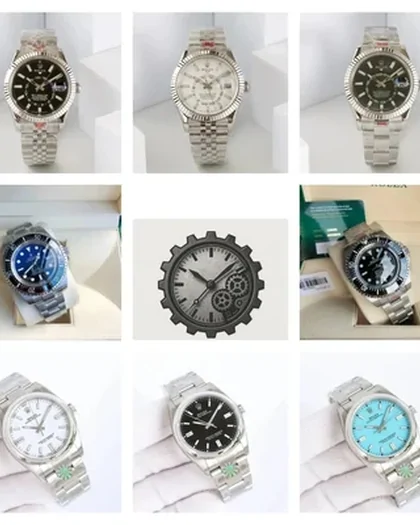
Browse sixteen product categories, then compare the actual seller listing. Save the link together with your chosen variant, quantity and seller name.
Browse sixteen product categories, then compare the actual seller listing. Save the link together with your chosen variant, quantity and seller name.
A product picture helps you find a direction. The seller page supplies the details needed to order. Category links open the product catalogue; they do not place an order with Lovegobuy.
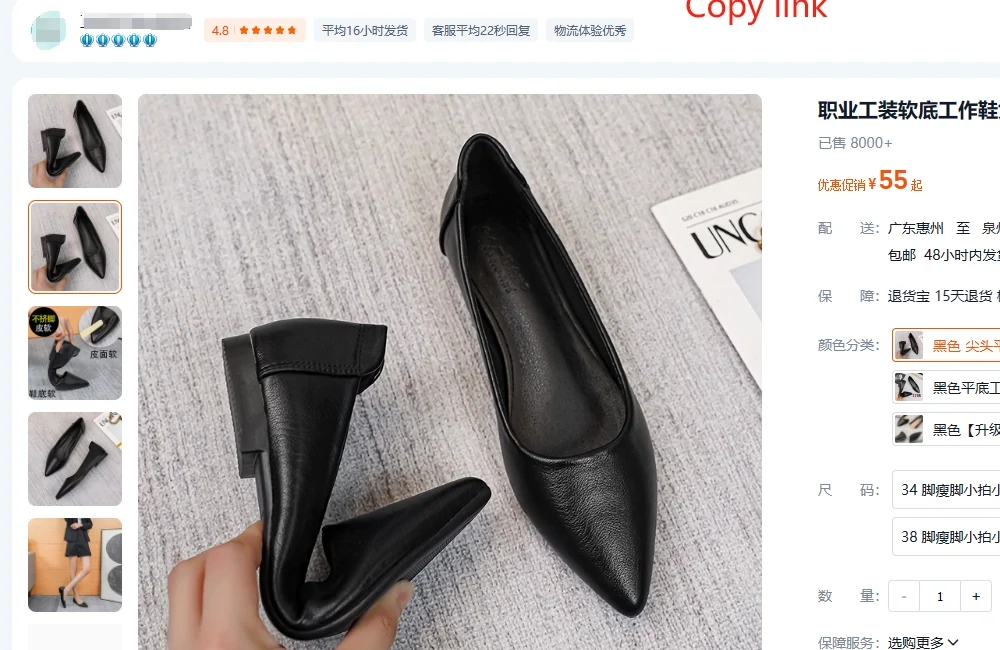
Everything a card promises lives somewhere else. The price, the sizes, the stock and the shop are all on the page the address points at, and they change there without the card noticing.
Which is why collecting addresses beats collecting screenshots. An address can be re-opened; a screenshot is a memory of a page.
It is also why the address has to be the whole address. Trimming what looks like clutter after the question mark is the commonest way a saved link turns into a different product.
Saving the shop name beside the address costs one more column and answers three later questions at once: which deliveries can be combined, which listing to go back to, and whether two entries are really the same seller.
Use these checks alongside the product description, seller evidence, selected size and material details. An easily parsed URL alone does not make an item suitable.
| Ask | Why it matters to a batch | Where the answer is |
|---|---|---|
| Does this address carry an item number | Without one it cannot be compared with the rest, so duplicates stay hidden. | The address itself. Numbers after id=, itemID= or /offer/. |
| Is this the same shop as something already on the list | Compare domestic delivery by seller. Same-seller items checked out together may share a fee, subject to weight and the seller’s terms. | The shop name on the listing page, not the address. |
| Is it a set or a single | Check whether the selected option is one item or a set; an item number alone does not establish the quantity supplied. | The title and the variant choices. |
How to choose between two shops selling the same thing is its own question, and for a batch it usually has a different answer than for a single order.
This guide separates catalogue discovery, link preparation and buying decisions. Dated policy references are listed on the checked-on page; availability and prices must be checked on the seller and agent pages when ordering.
The guide brings catalogue discovery, address preparation and buying decisions into one sequence. The operator’s current pages remain the place to confirm a purchase, policy or account question.